Mohamed Imran
⚙️ Service Cloud: Automated Support Engine
Role: Senior Salesforce Administrator | Stack: Service Cloud, Omni-Channel, Einstein, Case Management
📌 Project Objective
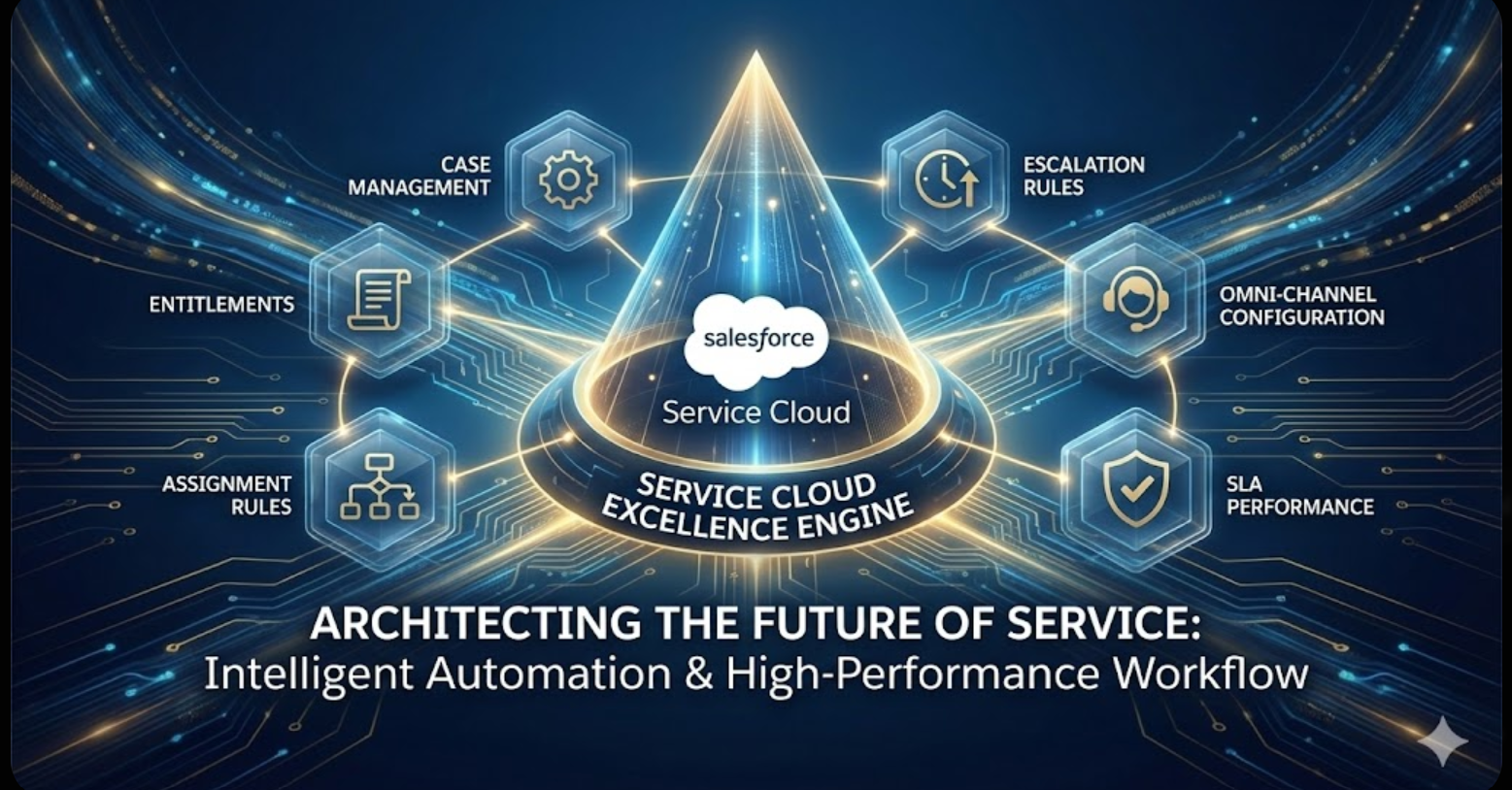
Architecting the Future of Service: I designed an intelligent case routing system with Omni-Channel configuration and real-time analytics to replace manual triage, ensuring 100% of high-priority cases meet their SLAs.
🎥 Watch the Project Demo
🚦 1. Intelligent Routing & Case Lifecycle
The Business Problem: Support agents were manually “cherry-picking” easy cases, leaving difficult, high-priority issues to sit in the queue. There was no automated logic to assign work based on expertise or urgency.
The Solution:
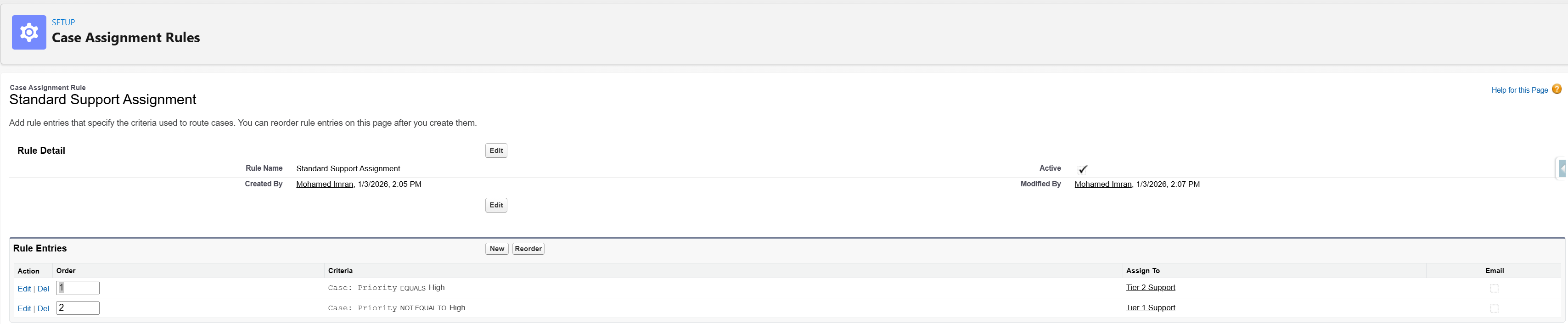
- Case Assignment Rules: Configured logic to instantly categorize and route tickets based on Product Type and Urgency.
- Zero-Touch Triage: Replaced manual dispatching with a rules-based assignment engine.
📡 2. Omni-Channel Architecture
The Business Problem: Agents were overwhelmed by uneven workloads. Some had 10 active cases while others had zero, leading to burnout and inefficiency.
The Solution:
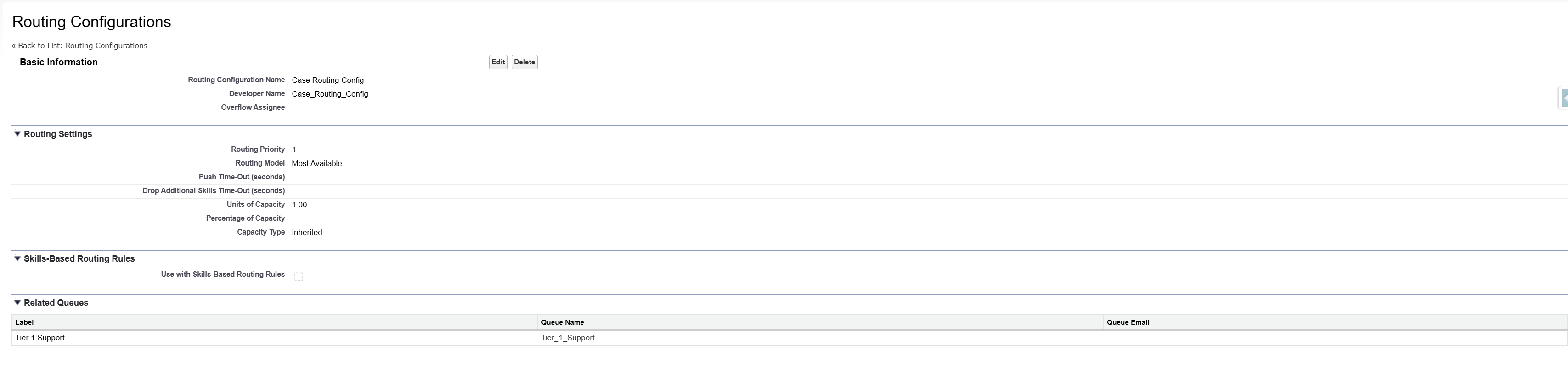
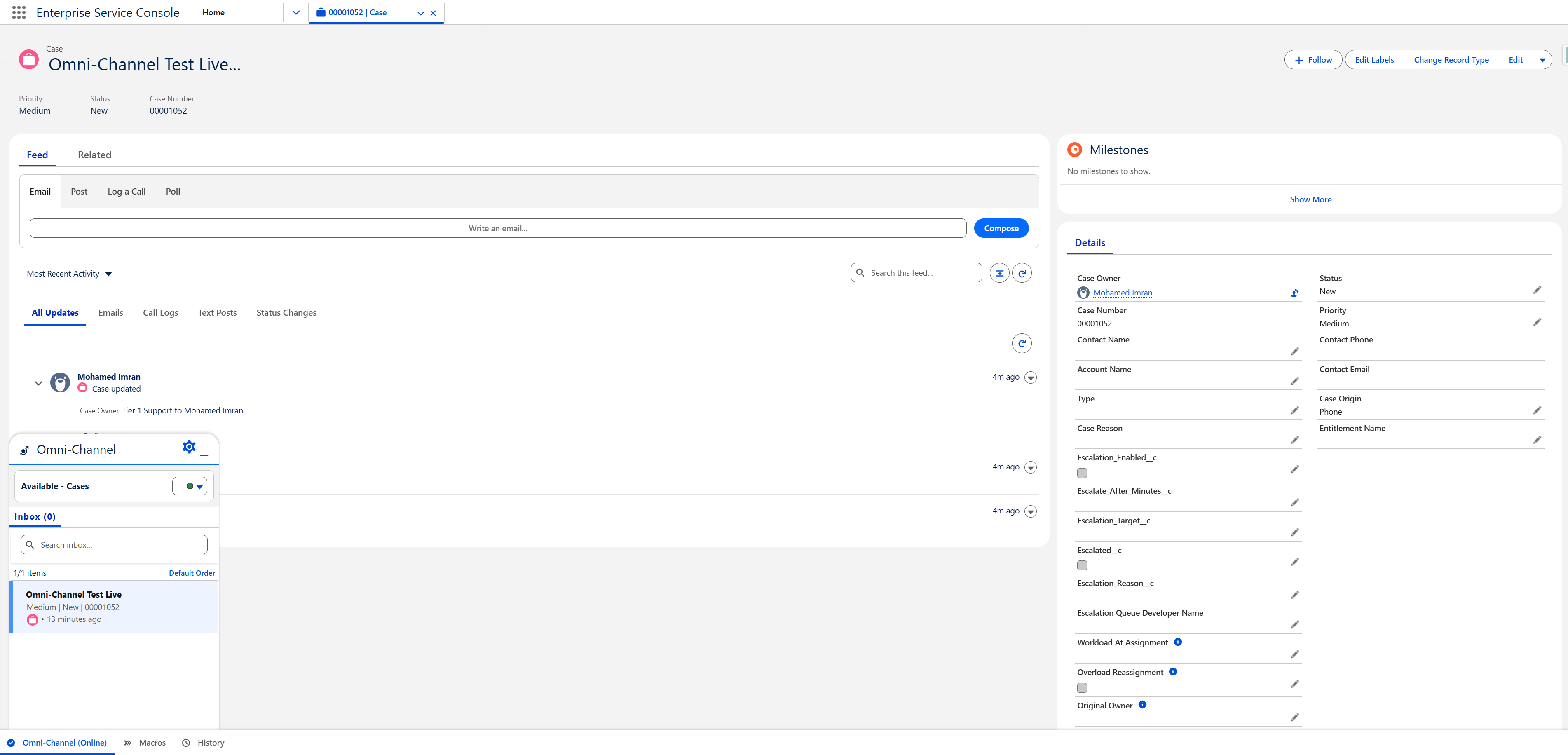
- Capacity Modeling: Defined “Units of Capacity” (1.00 per case) to strictly limit agent workload and prevent burnout.
- Routing Configuration: Deployed a “Most Available” routing model to push work to agents with the highest spare capacity.
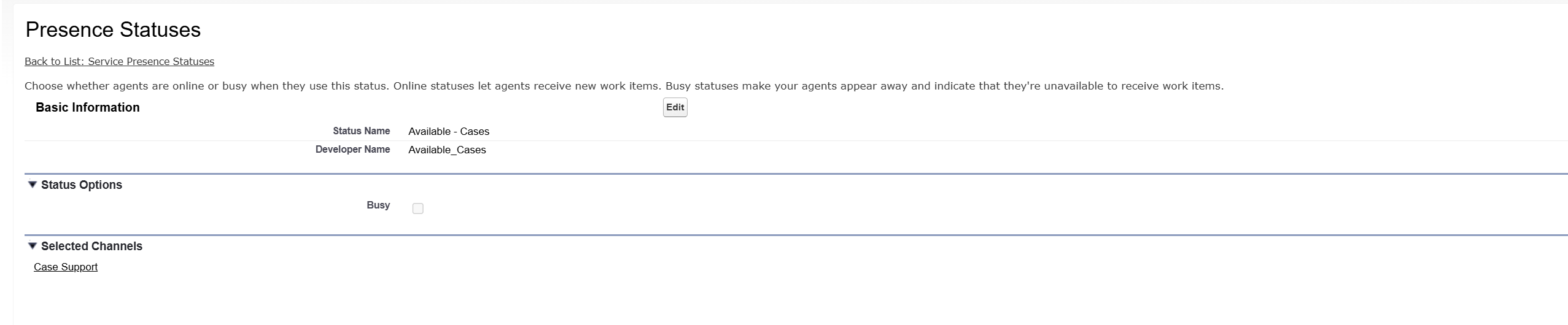
- Presence Statuses: Created specific statuses (e.g., “Available - Cases”) linked to Service Channels to track true availability.
📸 Implementation Gallery
⏰ 3. SLA Protection & Escalation Strategy
The Business Problem: High-priority cases were falling through the cracks. Managers only noticed a breached SLA after the client complained.
The Solution:
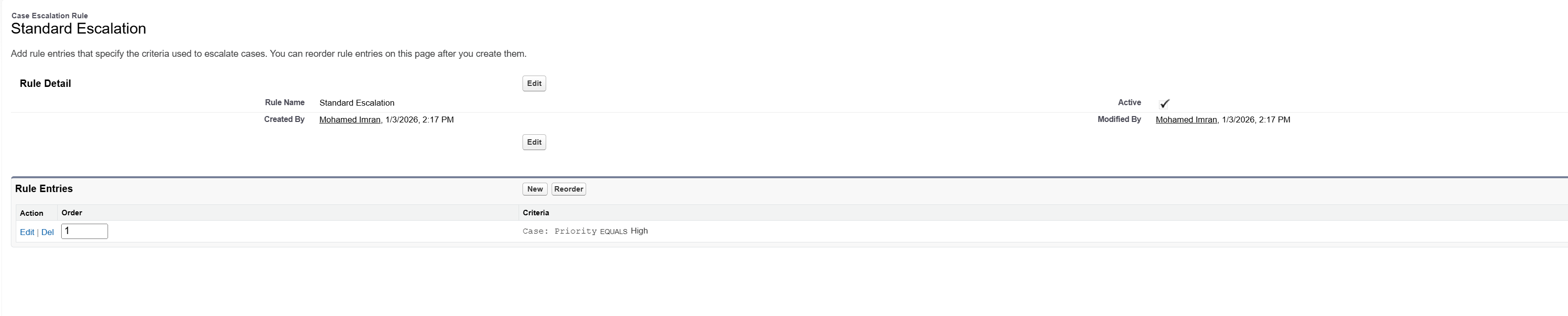
- Standard Escalation Rules: Built a high-priority “safety net” triggered by inactivity (e.g., 1 Hour) on critical tickets.
- Proactive Monitoring: Utilized the Case Escalations monitoring queue to provide a live view of tickets scheduled for reassignment before they breach.
📸 Implementation Gallery

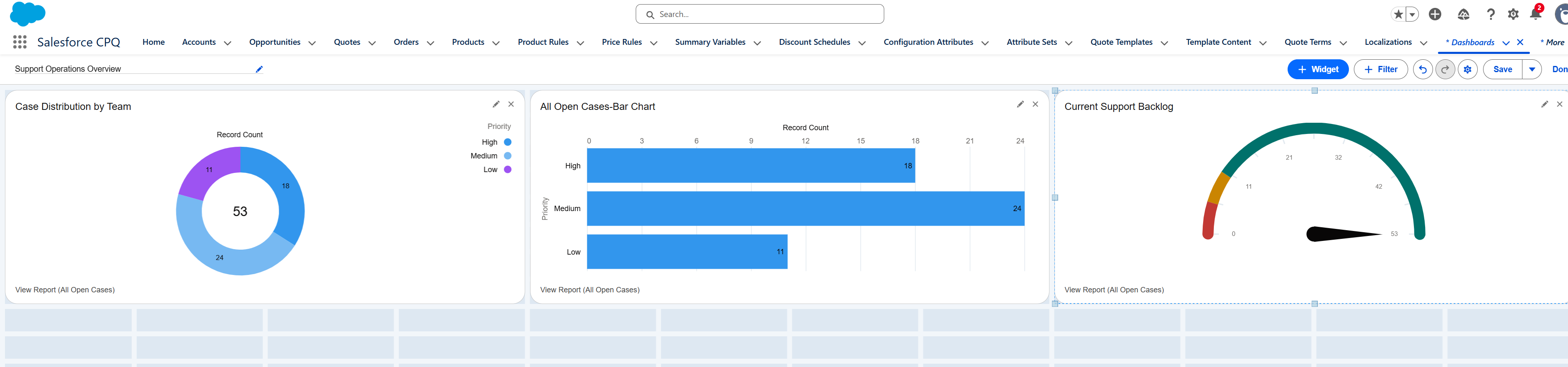
📊 4. Operational Analytics & Executive Dashboards
The Business Problem: Leadership lacked visibility into team performance. They could not answer basic questions like “What is our current backlog?” or “Who is overloaded?”
The Solution:
- Real-Time Command Center: Designed a dashboard to track system health.
- Backlog Gauge: Provides an immediate visual of total open volume against defined capacity thresholds.
- Volume Distribution: Visualizes case distribution by team and priority for data-backed staffing decisions.